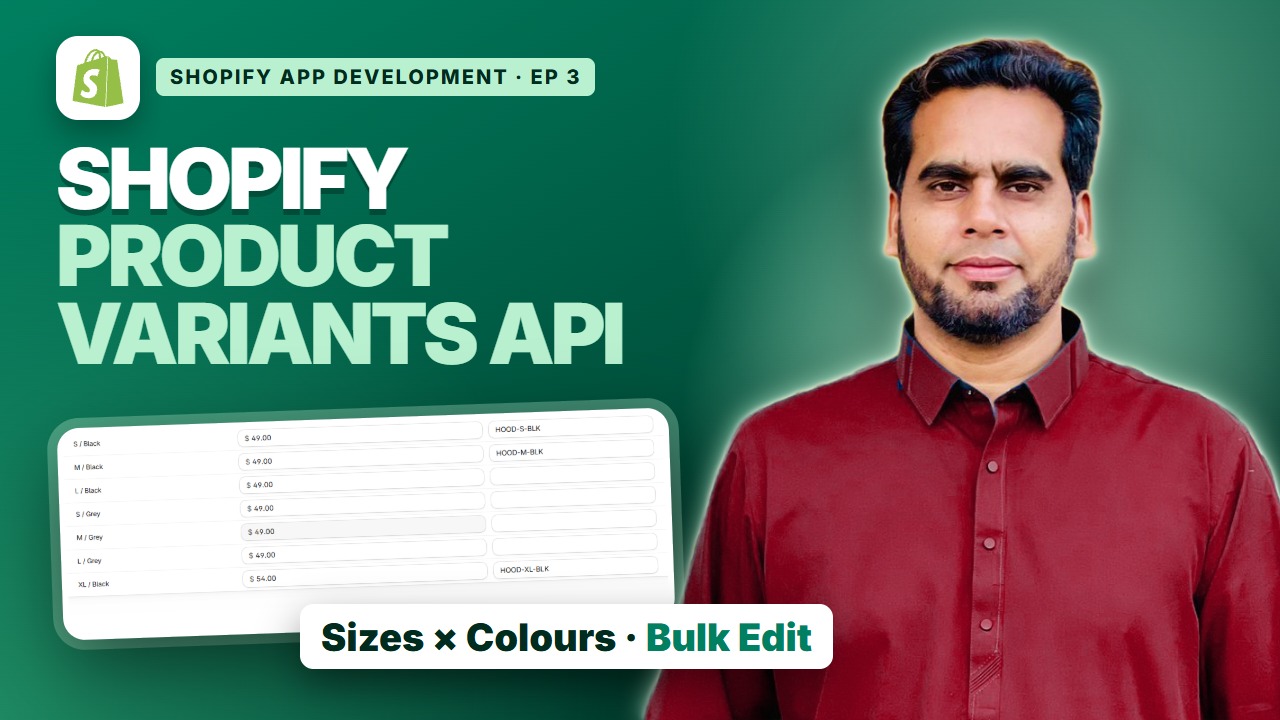
Shopify product variants API tutorial (2026): build a real variants editor inside your Shopify app with the GraphQL Admin API – add options like Size and Colour, create every variant, edit prices and SKUs in bulk and delete variants on a real development store. Shopify app development series, episode 3 – everything shown is real, nothing skipped.
What you'll learn
- Options vs variants (and the 'Default Title' variant)
- productOptionsCreate with variantStrategy CREATE
- productVariantsBulkCreate, productVariantsBulkUpdate, productVariantsBulkDelete
- Edit price + SKU for many variants in one call
- userErrors handling + Polaris web components (s-table, s-modal)
💻 Free source code for this episode: github.com/fayyaz315/shopify-app-development-2026/tree/ep03
Chapters
- 0:00 Preview + intro
- 0:43 Options vs variants
- 1:31 The product page
- 2:31 Read: product query
- 3:20 Add options: productOptionsCreate
- 4:54 Bulk edit: productVariantsBulkUpdate
- 6:06 Add a variant: productVariantsBulkCreate
- 7:18 Delete: productVariantsBulkDelete
- 8:24 The Polaris page
- 8:58 Honest notes
- 9:31 Recap
Step by step (full walkthrough)
Preview + intro
In the next ten minutes, you'll turn one product into every size and colour it comes in, from inside your own Shopify app. Set one price for every variant, and save them all in a single call, add a new size, delete the colour you don't sell, and see every call in GraphiQL first, with Shopify's real responses. This is the Shopify product variants API, running inside our own Shopify app.
Right now this hoodie has exactly one variant. This is episode three of the Shopify app development series. Episode two built the products page; today every product gets sizes and colours.
The full code is free on GitHub, and the link is in the description.
Options vs variants
First, the two words that confuse everyone: options and variants. An option is a choice the customer makes, like size or colour. Each option has values: small, medium, large.
Black and grey. And a variant is one combination you actually sell. Three sizes times two colours is six variants, and each one has its own price, SKU and stock.
Every product has at least one variant. A product with no options still has one, called Default Title. That's the one you saw a second ago.
So the rule for the whole video: options describe the choices, and variants are the rows you sell. Why does this matter for an app? Because the price, the SKU and the stock all live on the variant, never on the product.
The product page
Now our app. Every request takes the same path as in episode two. The page asks the loader for data, and buttons call the action.
Both run on the server and talk to the Admin GraphQL API, version 2026-10. No new permission is needed. The write products scope from episode two already covers options and variants.
On the products page, I search for hoodie. There's our Classic Zip Hoodie, and a new column shows how many variants it has. The product title is now a link to the new page.
One line in the products route. I click it, and the product page opens inside the admin. The new route file is app.products_.$id.
The $id is the product number in the URL. And the underscore matters: without it, this page would nest inside the products page layout. With it, it's a page of its own.
Read: product query
Let's read the product first, and as always, I test every call in GraphiQL before it goes into the app. One product by ID, with its options, and up to ten variants with ID, title, price and SKU. There's the proof: one option called Title, one value Default Title, and one variant at $0.
And notice the cost at the bottom: a small query like this costs only a few points out of two thousand. In the app, the query lives at the top of the new route. Options give me the name and values for the badges.
And variants give one row each: title, price, SKU and inventory. The loader turns the number from the URL back into a global ID, runs the query, and returns a not found response if the product doesn't exist.
Add options: productOptionsCreate
Now let's add options. This is how you create a product with variants through the GraphQL API. The option is Size, and the values are S, M and L, separated by commas.
Add, and the toast says Size added, three variants. Default Title is gone. Then a second option: Color, with black and grey.
Six variants. Every size in every colour, created in one call. Each new row starts at $0 and no SKU.
That's why the next step is a bulk edit. Here's that call in GraphiQL. productOptionsCreate, with the product ID, the options, and variantStrategy CREATE.
The response shows the option with its three values, and three variants: S, M and L, each at $0. Look at the first ID. It's the old Default Title variant, renamed to S.
Shopify reuses it instead of deleting it. In the app, this is the whole mutation. The key word is CREATE.
It tells Shopify to make a variant for every new combination. Leave it out, and the default is leave as is: the values are added, but no new variants are made. That surprises a lot of people.
The action splits the comma list into values, sends one option, and puts the new variant count in the toast. Every branch ends with this little done helper. If Shopify sends userErrors, the page shows them.
If not, it shows the success message.
Bulk edit: productVariantsBulkUpdate
Now prices. Six variants at $0 is not a shop. I type forty nine into price for all variants and click apply to all.
Every row now says forty nine, and I give the first two variants a SKU. Nothing is saved yet: it's only on the page. Then save variants.
One click, one API call, six variants saved. In GraphiQL it's productVariantsBulkUpdate: the product ID, and a list of variants, each with its ID, a price and a SKU. The response gives back every variant with its new price and SKU.
Three variants, one request. And the same call works for one variant or a hundred, so you never loop over single updates. Here's the mutation in the app.
Watch the SKU. It isn't a field on the variant input anymore. It goes inside inventory item.
The action maps every row into that shape: ID, price, and inventory item with the SKU. On the page, apply to all only changes local state. Nothing hits Shopify until you press save, so one save is one call.
Add a variant: productVariantsBulkCreate
Next, a size we forgot: XL. Add variant opens a form with one field per option. Size XL, colour black, price fifty four, and a SKU.
Added. Seven variants, and look at the Size option: XL is there now, and I never created it. That's the Shopify GraphQL way: you send option names and values, and Shopify keeps the option list in sync.
In GraphiQL, productVariantsBulkCreate takes a list of variants. Each one names its optionValues: option name Size, value XL. The new variant comes back with its ID, the price twenty nine, and the SKU.
In the app, the mutation is the same shape as the update. The action sends one variant: its optionValues, a price, and the SKU inside inventory item. On the page, the form builds those optionValues from the product's own options, so it works for any product.
And if you send a combination that already exists, Shopify refuses with a user error that the variant already exists. My done helper shows it as an error toast.
Delete: productVariantsBulkDelete
Now delete. We don't sell grey after all, so I tick the three grey variants. Delete selected asks first, because this can't be undone.
Three deleted. And grey has disappeared from the Color option too: a value with no variants is removed. In GraphiQL, productVariantsBulkDelete takes the product ID and a list of variant IDs.
XL is gone, and the variant count is back to three, with no userErrors. In the app, that's this mutation. The page keeps the ticked IDs in state, and the action sends all of them in one call.
Last, the whole Color option. Only black is left, so it doesn't add anything. I click the bin next to Color.
Option deleted, and the variants are simply S, M, L and XL. That's productOptionsDelete with the product ID and the option ID. One catch, tested on my store: with two colours still in use, Shopify refuses.
The error says cannot delete an option with multiple values.
The Polaris page
Now the page itself, built with Polaris web components. Each row has a checkbox for delete, then the price and SKU as real input fields, right inside the table. An honest bug I hit while recording: after adding Size, the option form still held Size, so my second option became Size Color.
The fix: after every successful save, I bump a form key, and React remounts both forms empty. Then I recorded again. The same effect shows the toast and closes whichever modal is open.
Honest notes
A few honest notes before the recap. One: my query loads the first hundred variants. That's plenty for most products, but a big catalog needs pagination, like the products page in episode two.
Two: inventory still says zero. Stock lives on locations, and that's its own episode. Three: every one of these mutations can succeed over HTTP and still refuse your input.
Always read userErrors. And a bonus: everything you saw was tested on my real development store before I pressed record.
Recap
So, the recap. Read options and variants with one product query. Add options with productOptionsCreate and the CREATE strategy.
Change prices and SKUs in bulk, add single variants with bulk create, and delete with bulk delete. Want to practise? Add a compare at price column, or a button that copies one variant's SKU pattern to every row.
That's the Shopify product variants API, working inside a real app, on a real store. The full code for this episode is free on GitHub. The link is in the description.
Next episode: collections. Manual ones, smart ones with rules, and adding products to them. See you there.
Quick fixes from this episode (60-second Shorts)
Shopify GraphQL Create Product with Variants (Sizes x Colours)
Shopify GraphQL create product with variants: add Size and Colour options with productOptionsCreate and variantStrategy CREATE – every combination appears in one call.
Shopify Product Variants API: Bulk Update Prices & SKUs
Shopify product variants API: update the price and SKU of many variants in one call with productVariantsBulkUpdate.
Shopify productVariantsBulkCreate & Delete: Add or Remove One Variant
Shopify productVariantsBulkCreate and productVariantsBulkDelete: add one new variant to a product, then remove variants – and check userErrors.
The Shopify App Development 2026 series
All episodes are free, with the code on GitHub. Course page: Shopify App Development 2026.
- Episode 1: How to Create a Shopify App in 2026 (Shopify CLI Step by Step for Beginners)
- Episode 2: Shopify Admin API Tutorial 2026
- Episode 3: Shopify Product Variants API 2026 (this episode)
- Episode 4: Shopify GraphQL Create Collection 2026
- Episode 5: Shopify Update Inventory API 2026
- Episode 6: Shopify Create Discount Code API 2026
🔔 New episodes every week on the YouTube channel. Need a custom Shopify app or API integration? Wixob Technologies builds them: info@wixob.com.