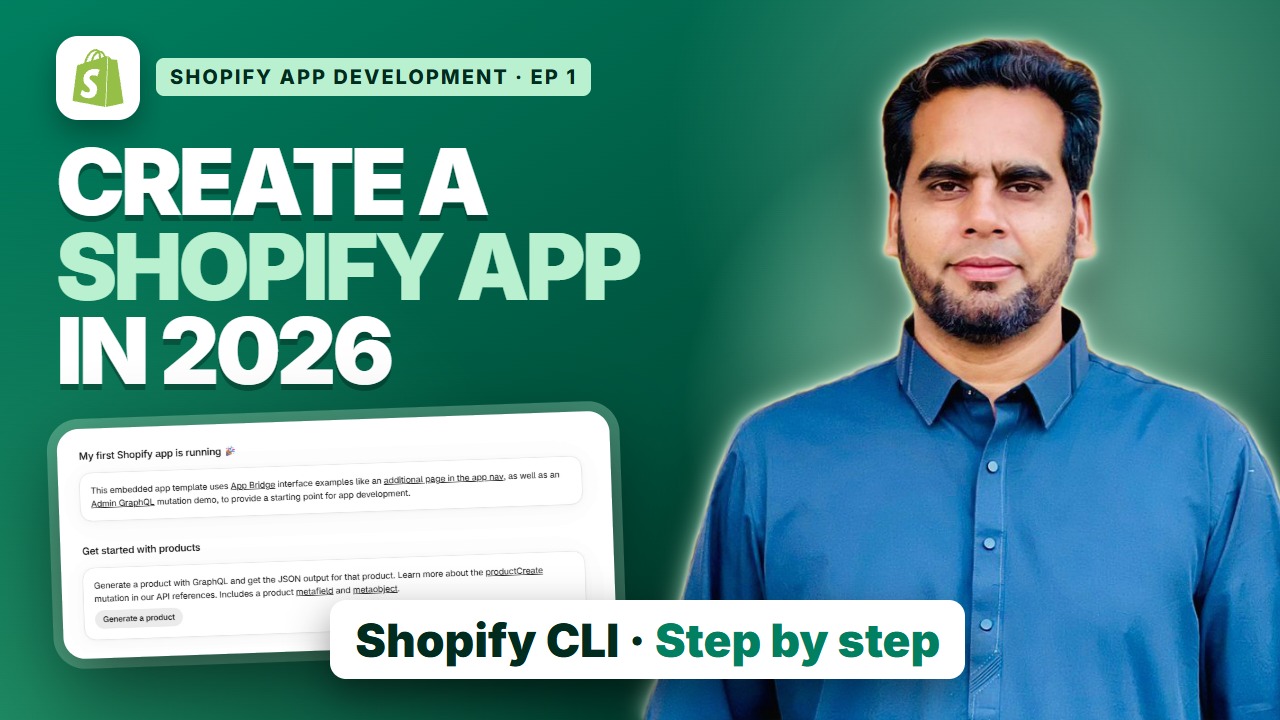
How to create a Shopify app in 2026, step by step with Shopify CLI: install, create the app, run it in a real development store and make your first Admin API call. Shopify app development tutorial for beginners — everything shown is real, nothing skipped.
What you'll learn
- Install Shopify CLI and check your setup
- Create a new app from the official template
- Run it with shopify app dev in a dev store
- Understand the folder structure
- Make your first real Admin API call
Chapters
- 0:00 What you need
- 1:35 Create the app
- 3:02 The files that matter
- 4:35 Run it in your store
- 6:43 Your first API call
- 7:52 Change it live
- 8:21 3 mistakes to avoid
- 8:59 Recap
Step by step (full walkthrough)
What you need
This is a real Shopify app, running inside my store's admin, and I built it in this video from an empty folder. If you've been wondering how to create a Shopify app in 2026, this is the exact path, step by step, with every error I hit along the way. It even talks to Shopify.
One click, and it creates a real product through the Admin API. That's the result. Now let's build it from zero.
Everything you'll see is real: real commands, real errors, and a real development store. Nothing is skipped or faked. By the end, you'll have your own app running in your store, and you'll know what every important file does.
This is a Shopify app development tutorial for beginners, so we start with what you need. First, Node. Type node dash v, and you should see a version number.
Mine says twenty six. Second, the Shopify CLI. Shopify version prints five point one.
The CLI is Shopify's command line tool. It creates apps, runs them locally, connects them to your store, and later deploys them. If you don't have it, one npm install command adds it, and the official docs show it for every system.
And third, a development store, a free test store from your Shopify account, where you can try everything without touching real customers. You also need a Shopify account that can create apps. In 2026 that's done through the Dev Dashboard, and the CLI logs you in the first time you run it.
Create the app
Now the main command. Shopify app init creates a new app from Shopify's official template. I add a name, the React Router template, JavaScript, and my organization ID so it skips the account menu.
Without those flags, the CLI simply asks you. The React Router template is what Shopify recommends for new apps right now. It gives you a full web app with login, a database, and the admin design system already set up.
The organization is the account that owns the app. If you work for clients, pick your own, so the app doesn't end up in a client's account. It downloads the template and installs everything with npm.
This takes a couple of minutes, so let's skip ahead. And here's my first real error. App name cannot contain Shopify.
Shopify doesn't let app names include its own brand name. I called it my shopify app, so that's on me. Same command, new name: my store helper.
Creating the app also registers it with Shopify, so it gets its own client ID, like an ID card for your app. Notice it says initializing project with npm. You can switch to yarn or pnpm with the package manager flag.
And there it is. My store helper is ready for you to build. It even prints the next steps: change into the folder, generate extensions later, and run shopify app dev to see it.
The files that matter
Before we run it, let's look inside, because most of these files you'll never touch. The app folder is your actual app. Inside, routes holds your pages.
Each file is one screen of your app. App underscore index is the home page. App additional is a second page.
The webhook files are where Shopify sends events. Shopify server.js sets up login and the API connection for you, so you don't write any of that yourself. Then shopify.app.toml.
This is your app's settings file: the name, the client ID, and the scopes. Scopes are permissions. The template asks for write products, which is why it can create products later.
When a store installs your app, the merchant approves exactly these scopes. Ask only for what you really need, because merchants and Shopify's review both check it. Now the home page file.
Two parts matter. The loader runs when the page opens and checks the merchant is logged in with authenticate admin. If you know React, think of the loader as getting data before the page shows, and the action as handling a form submit.
And the action runs when you click the button. It calls admin.graphql with a productCreate mutation. That's your Admin API call.
One more thing: the template now ships with agent files for AI coding tools. We'll use that in the next episode.
Run it in your store
Time to run it. Change into the folder, then shopify app dev, with my store. This command starts a local server, connects it to Shopify, and installs the app on the store you name.
It reads the toml file and shows what it will use: my organization, my app, and my development store. It also says it will update the URLs. While you develop, the CLI points your app at your computer automatically, so you never edit those by hand.
And if you ever connect the wrong store or app, the hint at the bottom matters: add dash dash reset to choose again. And then, error number two. Could not start Cloudflare tunnel.
A timeout. The CLI creates a tunnel so Shopify can reach the app on your computer. Sometimes that network call just times out.
The message gives two options: run the command again, or use localhost. I tried localhost first. Same command, plus dash dash use localhost.
Read this note carefully: localhost doesn't work with features where Shopify calls your app, like webhooks. It also needs a local certificate, so I say yes, and it uses mkcert to make one. Windows asks once to trust that certificate.
That's normal for local development. And error number three. The template subscribes to productUpdate events, and Shopify can't deliver those to localhost.
That's exactly what the note warned about. So localhost is out for this template. Back to option one: run the plain command again.
This time the tunnel connects. Ready, watching for changes in your app. Keep this terminal open while you work.
If you close it, the app in your admin stops loading. You get two shortcuts: P opens the app preview, G opens GraphiQL to test Admin API queries. GraphiQL is a playground where you can try any Admin API query against your store before you put it in your code.
My advice: if the tunnel fails, just run it again before changing anything else. It usually works the second time.
Your first API call
Now open the preview link. It goes straight into the Shopify admin of my development store. Because it's a development store and we used the store flag, the app installs itself.
There it is in the sidebar. On a real merchant's store, they would see an install screen with your scopes and approve it first. This is the home page from that app underscore index file.
Let's press generate a product. That button runs the action we looked at. The app sends a productCreate mutation to the Admin API.
And the real response comes back as JSON: an orange snowboard, its ID, handle, status, and variant. Shopify even shows a product created message at the top. This product now really exists in my store.
Edit product opens it in the admin, so you can see it's a normal product, created by your app. That's the whole loop: page, button, API call, real data. Every Shopify app works this way.
Want to read orders instead? Change the query. Want to update prices?
Use a different mutation. The pattern stays the same.
Change it live
Last step: make it yours. I search for the page title in the home page file and change it to my store helper. Then the first card: my first Shopify app is running.
Save. The dev server is still running and watching for changes. This is the workflow from now on: change code, save, and check the admin.
You'll do this hundreds of times. Back in the admin, the new title and heading are already there. No restart, no redeploy.
3 mistakes to avoid
Before the recap, the three mistakes that cost me time today, so they don't cost you. One: putting Shopify in your app name. The CLI refuses it after the install, so you lose a couple of minutes.
Two: panicking when the tunnel times out. It's usually a temporary network problem. Run the command again first.
Three: using localhost with an app that has webhooks. The template has them, so localhost fails. Use the tunnel, or a tunnel URL of your own.
Recap
So, how to create a Shopify app: Node and the Shopify CLI, app init with a name that doesn't include Shopify, then shopify app dev on your development store. If the tunnel times out, run it again. And if you use localhost, remember webhooks won't work.
You now have a real app that talks to the Admin API, and that's the base for every feature we build in this series. Your app is still a development app. Nobody else can install it until you deploy it and choose how to distribute it, which we'll cover later in the series.
Ideas to practise right now: change the button text, show the shop's name on the home page, or list your five newest products. Next episode, I build a real feature in this same app with an AI coding agent, step by step, and show what it gets right and wrong. If you're building a Shopify app and want help, I'm a Shopify developer, and the link to work with me is in the description.
See you in the next one.
Quick fixes from this episode (60-second Shorts)
How to Create a Shopify App in 60 Seconds (Shopify CLI)
How to create a Shopify app in 60 seconds with Shopify CLI — one command, running in a dev store.
Shopify App Folder Structure Explained in 60 Seconds
Shopify app development: the folders in a new Shopify CLI app and which ones you actually edit.
Your First Shopify Admin API Call From a Shopify App
Shopify app development: make your first real Admin API call from a Shopify CLI app.
The Shopify App Development 2026 series
All episodes are free, with the code on GitHub. Course page: Shopify App Development 2026.
- Episode 1: How to Create a Shopify App in 2026 (Shopify CLI Step by Step for Beginners) (this episode)
- Episode 2: Shopify Admin API Tutorial 2026
- Episode 3: Shopify Product Variants API 2026
- Episode 4: Shopify GraphQL Create Collection 2026
- Episode 5: Shopify Update Inventory API 2026
- Episode 6: Shopify Create Discount Code API 2026
🔔 New episodes every week on the YouTube channel. Need a custom Shopify app or API integration? Wixob Technologies builds them: info@wixob.com.
[…] Episode 1: How to Create a Shopify App in 2026 (Shopify CLI Step by Step for Beginners) […]
[…] Episode 1: How to Create a Shopify App in 2026 (Shopify CLI Step by Step for Beginners) […]
[…] Episode 1: How to Create a Shopify App in 2026 (Shopify CLI Step by Step for Beginners) […]
[…] Episode 1: How to Create a Shopify App in 2026 (Shopify CLI Step by Step for Beginners) […]
[…] Episode 1: How to Create a Shopify App in 2026 (Shopify CLI Step by Step for Beginners) […]