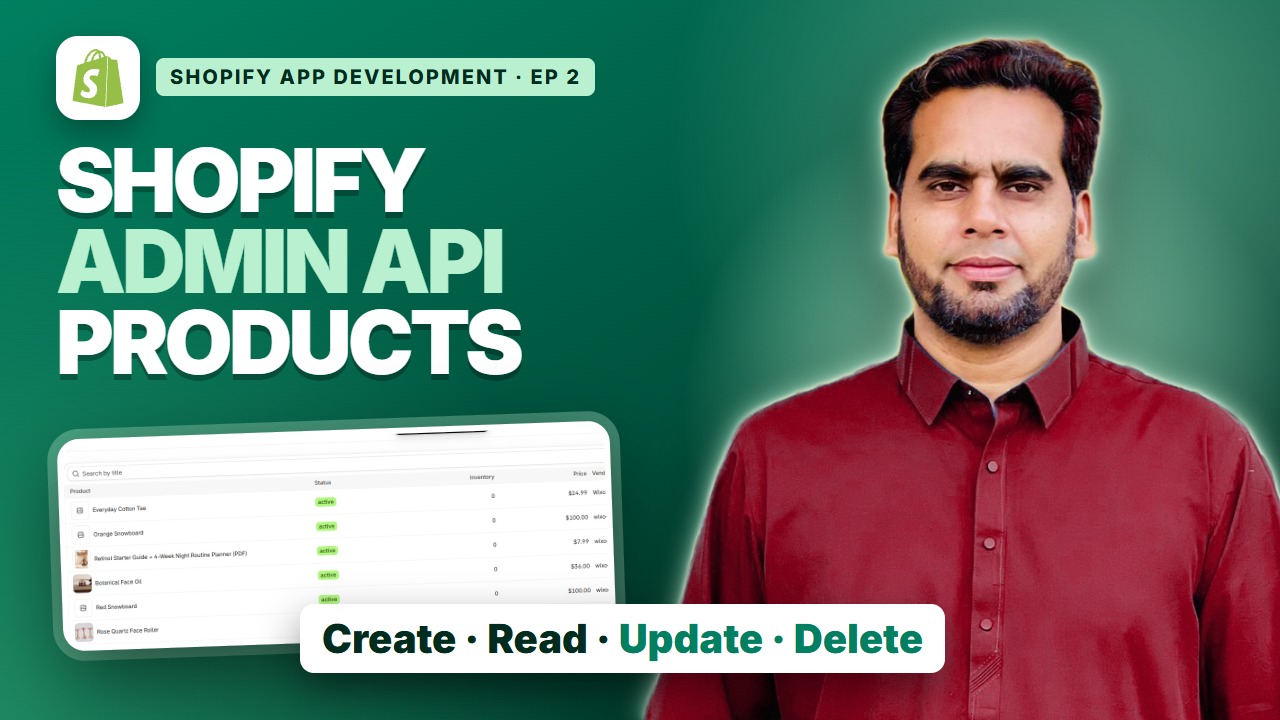
Shopify Admin API tutorial (2026): build a real products manager inside your Shopify app with the GraphQL Admin API – list, search, paginate, create with a price, update and delete products on a real development store. Shopify app development series, episode 2 – everything shown is real, nothing skipped.
What you'll learn
- Query products with search + cursor pagination
- productCreate (and why the price goes on the variant)
- productVariantsBulkUpdate to set the price
- productUpdate and productDelete with userErrors handling
- Polaris web components: s-table, s-search-field, s-modal
💻 Free source code for this episode: github.com/fayyaz315/shopify-app-development-2026/tree/ep02
Chapters
- 0:00 How it works
- 2:09 Read: query products
- 4:09 Create: productCreate
- 6:11 Update: productUpdate
- 6:57 Delete: productDelete
- 7:26 The Polaris page
- 8:07 Honest notes
- 8:43 Recap
Step by step (full walkthrough)
How it works
In the next ten minutes, you'll build a real products manager inside your own Shopify app. You'll see the price trap that catches almost every beginner, search your products, and load the next page, with the GraphQL Admin API, and create, edit and delete them, live on a real store. This is a Shopify Admin API tutorial where we build something real: a products manager inside our own Shopify app.
I type a product, give it a price, and it's created in my store through the GraphQL Admin API. This is episode two of the Shopify app development series. Episode one created this app; today it gets its first real feature.
First, the big picture, because every feature in this series follows the same path. Our page is built with Polaris web components. When it needs data, it asks the loader.
When you click save, it calls the action. Both run on the server and talk to the Admin GraphQL API, version 2026-10, with your shop's access token. And the API reads or changes real products in the store.
Nothing here is mock data. Why GraphQL and not REST? Shopify marked the REST Admin API as legacy in October 2024, and new public apps have to use GraphQL.
And with GraphQL you ask for exactly the fields you need, in one request, instead of whatever an endpoint decides to send. Before any code runs, the app needs permission. In shopify.app.toml, the scope write products covers reading and changing products.
Then one line in the app navigation adds the Products page to the admin sidebar. Here's that page. Ten products, newest first, with status, inventory, price and vendor, all from the API.
Notice the order. The query sorts by updated at, newest first, so anything you create or edit jumps straight to the top. My workflow for every feature in this series: test the query in GraphiQL, then copy it into the app.
If it works in GraphiQL, it works in the app.
Read: query products
Let's start with reading products, and I'll show every query in GraphiQL first, so you see exactly what Shopify returns. This is the products query. I ask for five products whose title contains snowboard.
Shopify returns the two snowboards in my store, with their status and lowest price, plus pageInfo for the next page. GraphiQL here comes with shopify app dev: press g in the terminal and it opens with your app's own scopes and your dev store. And look at the IDs.
Every Shopify object has a global ID like gid shopify product and a number. That's what every mutation needs. In the app, the same query lives at the top of the products route.
First or last says how many, after or before are the cursors, and query is the search text. Below that, I list only the fields the table shows. Smaller queries cost less, and Shopify rate limits by cost.
The loader runs this query on the server every time the page opens. It reads the search text and the cursor from the URL, so search and pages are just links. Search uses title with wildcards on both sides, so snow finds snowboard.
And the page receives plain data. Here it is in the app. I type snowboard and press enter.
Two results, the same two GraphiQL gave us. The search box is a Polaris s search field. One honest note: pressing enter inside s search field doesn't submit a normal form, so I listen for the enter key myself.
Pages work the same way. Next page sends the endCursor, and Shopify gives the next ten. Previous page sends the startCursor.
No page numbers: Shopify uses cursors so pages stay stable. The table fires next page and previous page events. React eighteen doesn't bind custom events, so I add the listeners directly.
Create: productCreate
Now let's create a product. The add product button opens a Polaris modal. Title, description, status, price, vendor, product type and tags.
Every one of these goes to Shopify. I set the price to twenty four ninety nine. Keep an eye on the price, because there's a trap here.
Watch it in GraphiQL. productCreate with a title, a status and a vendor. The product exists, but look at the variant: price zero.
productCreate doesn't take a price at all. While we're here, scroll down. Every response tells you what it cost.
This mutation cost thirteen points. My app has two thousand points available, and they refill at a hundred per second. Big queries cost more, so ask only for what you show.
Here's why. Every Shopify product has at least one variant, and the price lives on the variant, not on the product. productCreate makes the product plus one default variant, and I ask for that variant's ID in the response.
Then a second mutation, productVariantsBulkUpdate, sets the price on that variant. Back in GraphiQL: the product ID, the variant ID, and the price thirty nine. And now the variant costs $39.
That's the fix. Why bulk update? Because it can change many variants in one call, which matters as soon as a product has sizes and colours.
In the action, create is three steps. Create the product, and stop if Shopify sends back userErrors. If the form has a price, set it on the first variant with the second mutation.
And return a message the page shows as a toast. The form fields become the product input here: the description becomes HTML, and tags are split on commas. So when I click create product in the app, both mutations run.
Created, and the price column says twenty four ninety nine. Real product, real price.
Update: productUpdate
Updating uses the same modal. Edit fills it with the product's current values. I add navy to the title and switch the status to draft.
Saved. The title changed, and the badge now says draft. And because the list sorts by updated at, the edited product stays at the top, so you can see your change right away.
The update mutation is productUpdate. It takes the product ID plus only the fields you want to change. In the action, I reuse the same fields object as create, and add the ID.
Same rule as before: check userErrors, then return a message. On the page, one submit function sends the form with an intent: create when it's new, update when we're editing.
Delete: productDelete
Finally, delete. The delete button asks first, because this can't be undone. Confirm, and the toast says product deleted.
It's gone from the store. In GraphiQL, productDelete takes an input with the product ID. And it returns the deletedProductId, with no userErrors.
That's our GraphiQL hoodie gone. In the app it's the smallest mutation of all. And the action checks userErrors before it says done.
The Polaris page
Now the page itself, because this is what merchants see. The table turns on pagination from the pageInfo, and shows a loading state while a mutation runs. Each product is one row: a thumbnail, a status badge, inventory, price formatted as money, and the edit and delete buttons.
These are Polaris web components, the new s dash elements. They look exactly like the Shopify admin, so your app feels native. The modal holds the form.
A key on the form resets it, so edit always shows the right product. And after every mutation, this effect shows a toast and closes the modal, or shows Shopify's own error message.
Honest notes
Three honest notes before we finish. One: a brand new product can take a few seconds to show up in search, because Shopify's search index lags a little behind. Two: if you add a product while you're on page two, the new product sits on page one, so go back to the first page to see it.
Three: always read userErrors. A mutation can return success at the HTTP level and still refuse your input. And a bonus: the price field only appears when you create a product.
Changing prices later belongs to variants, and that's the next episode.
Recap
So, the recap. Read with the products query, search and cursors. Create with productCreate plus productVariantsBulkUpdate for the price.
Update with productUpdate, delete with productDelete, and check userErrors every time. Want to practise? Add a filter for status, show the variant count in a new column, or add a duplicate button with productDuplicate.
The full route is about two hundred eighty lines, and every operation in it was tested on my real development store before I recorded. That's a complete Shopify Admin API tutorial for products, running inside a real app. Next episode, we go one level deeper: variants and options, so one product can come in sizes and colours.
If you want an app like this built for your store or your business, the link is in the description. See you in the next one.
Quick fixes from this episode (60-second Shorts)
Shopify GraphQL API Create Product: Why the Price Is Missing
Shopify GraphQL API create product with a price.
Shopify GraphQL API Get All Products: Search + Cursor Pagination
Shopify GraphQL API get all products with search.
Shopify Admin API Tutorial: Update & Delete Products from Your App
Shopify Admin API tutorial: productUpdate and productDelete from a Shopify app – and always check userErrors.
The Shopify App Development 2026 series
All episodes are free, with the code on GitHub. Course page: Shopify App Development 2026.
- Episode 1: How to Create a Shopify App in 2026 (Shopify CLI Step by Step for Beginners)
- Episode 2: Shopify Admin API Tutorial 2026 (this episode)
- Episode 3: Shopify Product Variants API 2026
- Episode 4: Shopify GraphQL Create Collection 2026
- Episode 5: Shopify Update Inventory API 2026
- Episode 6: Shopify Create Discount Code API 2026
🔔 New episodes every week on the YouTube channel. Need a custom Shopify app or API integration? Wixob Technologies builds them: info@wixob.com.
[…] Episode 2: Shopify Admin API Tutorial 2026 […]