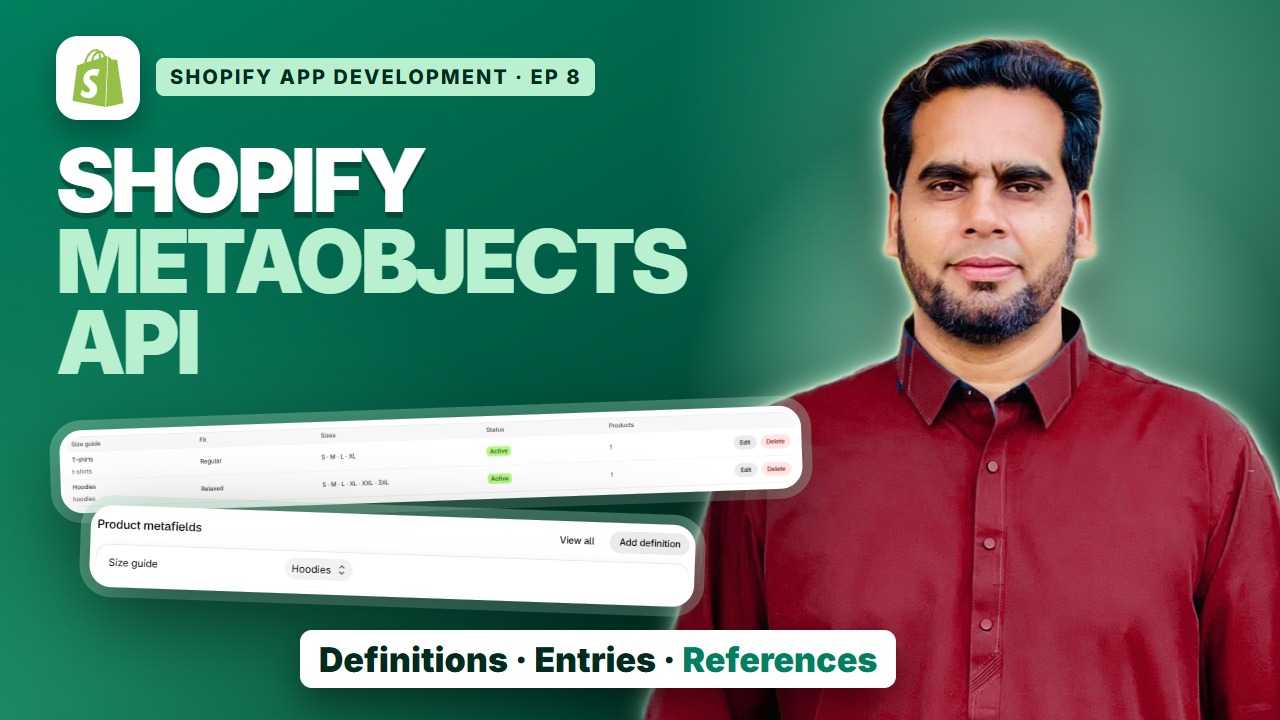
Shopify metaobjects API tutorial (2026): build your own content type inside a Shopify app with the GraphQL Admin API 2026-10 – a size guide with required fields, choices and Draft/Active status, entries you create, edit and delete, and products that point at them with a metaobject reference metafield, on a real development store. Shopify app development series, episode 8 – everything shown is real, nothing skipped.
What you'll learn
- Metaobject definitions: type, fields, required, choices, displayNameKey, publishable
- metaobjectCreate / Update / Delete / Upsert and the new values input
- Handles (and the random suffix when one is taken)
- Link entries to products: metaobject_reference + metafieldsSet
- Read a product's entry in one query (reference)
- What happens to products when you delete an entry
💻 Free source code for this episode: github.com/fayyaz315/shopify-app-development-2026/tree/ep08
Chapters
- 0:00 Preview + intro
- 0:38 Metafield vs metaobject
- 1:32 The size guides page
- 2:19 Read: entries and references
- 3:05 Create the type
- 4:00 The rules, in GraphiQL
- 5:38 Add entries
- 6:43 Edit an entry
- 7:10 Link products to entries
- 7:37 On Shopify's product page
- 7:52 Read it in one query
- 8:17 Delete: no warning
- 8:53 Honest notes
- 9:35 Recap
Step by step (full walkthrough)
Preview + intro
In the next ten minutes, you'll build your own content type in Shopify, and link products to it, from inside your own app. Shopify checks every entry against your rules, and one delete quietly changes your products, without a single warning. This is the Shopify metaobjects API at work.
A size guide, created by our own app, picked right on Shopify's product page. This is episode eight of the Shopify app development series. Last time we added custom fields to products.
Today: metaobjects. The full code is free on GitHub, and the link is in the description.
Metafield vs metaobject
First, what a metaobject is, and how it's different from a metafield. A metafield is one value on one product. A warranty, a material.
Ten products with the same size chart would mean ten copies to keep in sync. A metaobject is a record of its own, with many fields. You write the size chart once, as one entry.
And products point at that entry with a reference metafield. Change the entry, and every product that uses it shows the change. There are three parts.
The definition is the type: its fields and their rules. An entry is one metaobject of that type, like T-shirts or Hoodies. And the reference is the product metafield that points at one entry.
Good uses: size charts, FAQs, ingredients, designers, store locations. Anything many products share.
The size guides page
Now our app. A new Size guides page. The type doesn't exist yet, so the page offers a one time setup.
A new page is a new file. The route file app.metaobjects becomes the URL /app/metaobjects. The menu link is one more line in the app layout.
On top of the file, three constants. Our type, size guide. The three fits we allow.
And the product metafield that will point at an entry. No new permission this time. Metaobjects need the two metaobject scopes, and our app already has them.
Same request path as every episode: the page asks the loader, buttons call the action, and both talk to the Admin API.
Read: entries and references
Reading first. One query asks three things. Does the type exist?
metaobjectDefinitionByType returns null if it doesn't. Then the entries, with metaobjects of our type. For each one, the handle, the display name, and each field by its key.
Sizes is a list, so we ask for json value and get a real array. Referenced by tells us which products point at the entry. And the products, each with its size guide metafield.
Reference gives us the entry itself, not just an ID. The loader turns all that into simple rows. Ready is true when the type exists, and used by counts the products.
If the type isn't there yet, the page returns only the setup card, with one button.
Create the type
Setup. One click. Size guide type created.
That one click made two things. First, metaobjectDefinitionCreate: the type, a name, and displayNameKey title, so each entry is named by its title. Storefront public read lets themes and the Storefront API read the entries.
Publishable enabled gives every entry a draft or active status. Then the fields. Title is required.
Fit has a choices validation with our three fits. Sizes is a list of text, and notes is multi line. Second, the product metafield.
Type metaobject reference, pinned, with a validation that it may only point at our size guide type. That validation matters. I tried setting a product ID as the value, and Shopify refused: value require that you select a metaobject.
And the page now shows an empty entries table, and our products below.
The rules, in GraphiQL
Before we add entries, the raw API in GraphiQL. I run the same metaobjectDefinitionCreate again, type size guide. Type has already been taken.
A type is unique in the store, so setup can only run once. Now a type called Size Chart, with a capital letter and a space. Invalid.
Only letters, numbers, underscores and dashes are allowed. And types that start with shopify dash dash are reserved for Shopify. Next, metaobject create: an entry with a fit, but no title.
Title can't be blank. Our required rule, enforced by Shopify. A title, and the fit oversized, which isn't one of our choices.
Value does not exist in provided choices. Slim, regular and relaxed only. Now the new values input.
Instead of a list of key and value pairs, one JSON object, and sizes as a real array. GraphiQL underlines it, but the API accepts it. Created.
Two surprises. The handle is T-shirts with a random suffix, because T-shirts was taken. And the status is draft.
So a taken handle never fails. Shopify quietly adds a suffix. If your code looks entries up by handle, set the handle yourself.
And publishable entries start as draft. If you forget the status, nothing shows on the storefront. There's also metaobject upsert, by handle.
The first call creates the entry, the second call updates it. Handy for imports.
Add entries
Back in the app. Add size guide opens a form. Title T-shirts, fit regular, sizes S to XL.
Two lines of notes, and I tick active. Add size guide. Created T-shirts.
Its handle comes from the title, and it's active. In the action, create sends metaobject create with our type, the fields, and the status from the checkbox. Fields from turns the form into key and value pairs.
Every value is a string, and the sizes become a JSON array. Status is one line: active when the box is ticked, draft when it isn't. In the run helper, every mutation returns userErrors, and the page shows Shopify's own message in a red toast.
Hoodies: relaxed, sizes up to double XL, and this time I leave active unticked. Created Hoodies, as a draft. One thing I changed after testing.
I first sorted this list by name, and the sorted list showed a new entry about five seconds late. Unsorted, it's there right away.
Edit an entry
Editing works the same way. Edit Hoodies: I add triple XL to the sizes, and tick active. Saved Hoodies.
Now it's active too. Update sends metaobject update with the entry's ID, the same fields and the status. Fields you leave out keep their value.
On the page, one modal does both. Editing fills the form from the entry. Adding starts empty.
Link products to entries
Now the link. Everyday Crew Neck Tee gets the T-shirts guide. Assign.
And the Essential Pullover Hoodie gets Hoodies. Both entries now say one product. That count comes from referenced by.
On the page, the products table shows each product's guide as a badge, straight from the reference's display name. Assigning is the metafields set from episode seven. The value is simply the entry's ID.
On Shopify's product page
Now the proof, on Shopify's own product page for the hoodie, down to product metafields. Size guide: Hoodies. Because the metafield is pinned, the merchant sees it here, and can pick a different guide from a list.
Read it in one query
Reading it back is one query. Product, the size guide metafield, and its reference as a metaobject. The tee's guide: T-shirts, fit regular, and the sizes as a real array.
All in one request. The other direction: metaobjectByHandle, T-shirts, and referenced by. One product uses it: the Everyday Crew Neck Tee, through specs.size guide.
Delete: no warning
Last, the dangerous one. I delete Hoodies, the entry the hoodie product uses. Size guide deleted.
No error, no warning, nothing about the product. And the hoodie has no size guide anymore. Shopify removed the product's metafield with the entry.
So before your app deletes an entry, check referenced by, and warn the merchant how many products will lose it. Deleting the whole type goes further. Metaobject definition delete removes every entry with it.
And to add a field later, metaobject definition update takes a list of field definitions to create, and the existing entries stay as they are.
Honest notes
A few honest notes before the recap. One: our page shows twenty five entries and ten demo products. A real app needs paging with the pageInfo cursor.
Two: the theme side isn't in this video. Storefront access is on, but showing the guide in a theme is a separate job. Three: delete is one click here, with no confirm.
Fine for a demo, but add a confirm step in a real app. Want to practise? Add an FAQ type with a question and an answer, and link a list of FAQs to a product with a list reference.
And everything you saw was tested on my real development store, on API version 2026-10, before I pressed record.
Recap
So, the recap. Define your type once, with metaobjectDefinitionCreate: fields, required, choices, and the publishable status. Write entries with metaobject create and update, and set the status, because the default is draft.
Link products with a metaobject reference metafield, and set it with metafields set. Read with reference from the product, and referenced by from the entry, and check that before you delete. That's the Shopify metaobjects API in 2026, inside a real app, on a real store.
The full code for this episode is free on GitHub. The link is in the description. Next episode: webhooks.
Your app hears about changes in the store the moment they happen. See you there.
Quick fixes from this episode (60-second Shorts)
Shopify GraphQL Metaobject Definition: Fields, Required & Choices
Shopify GraphQL metaobject definition (2026-10): one metaobjectDefinitionCreate call makes your own content type – a size guide with a required title, a fit that only accepts Slim, Regular or Relaxed, and a list of sizes. Then Shopify enforces it: "Title can't be blank" and "Value does not exist in provided choices".
Shopify GraphQL Metaobjects: Delete One and Products Lose It (No Warning)
Shopify GraphQL metaobjects (2026-10): I deleted a size guide that a product was using. No error, no warning – the product's reference metafield was simply removed. Check referencedBy first; my app shows how many products use each entry.
Shopify GraphQL Get Metaobjects: A Product's Size Guide in One Query
Shopify GraphQL get metaobjects (2026-10): link a size guide entry to a product with a metaobject_reference metafield, then read the product, its size guide, its fit and its sizes in one query with reference. Real app, real store.
The Shopify App Development 2026 series
All episodes are free, with the code on GitHub. Course page: Shopify App Development 2026.
- Episode 1: How to Create a Shopify App in 2026 (Shopify CLI Step by Step for Beginners)
- Episode 2: Shopify Admin API Tutorial 2026
- Episode 3: Shopify Product Variants API 2026
- Episode 4: Shopify GraphQL Create Collection 2026
- Episode 5: Shopify Update Inventory API 2026
- Episode 6: Shopify Create Discount Code API 2026
- Episode 7: Shopify Metafields API 2026
- Episode 8: Shopify Metaobjects API 2026 (this episode)
🔔 New episodes every week on the YouTube channel. Need a custom Shopify app or API integration? Wixob Technologies builds them: info@wixob.com.